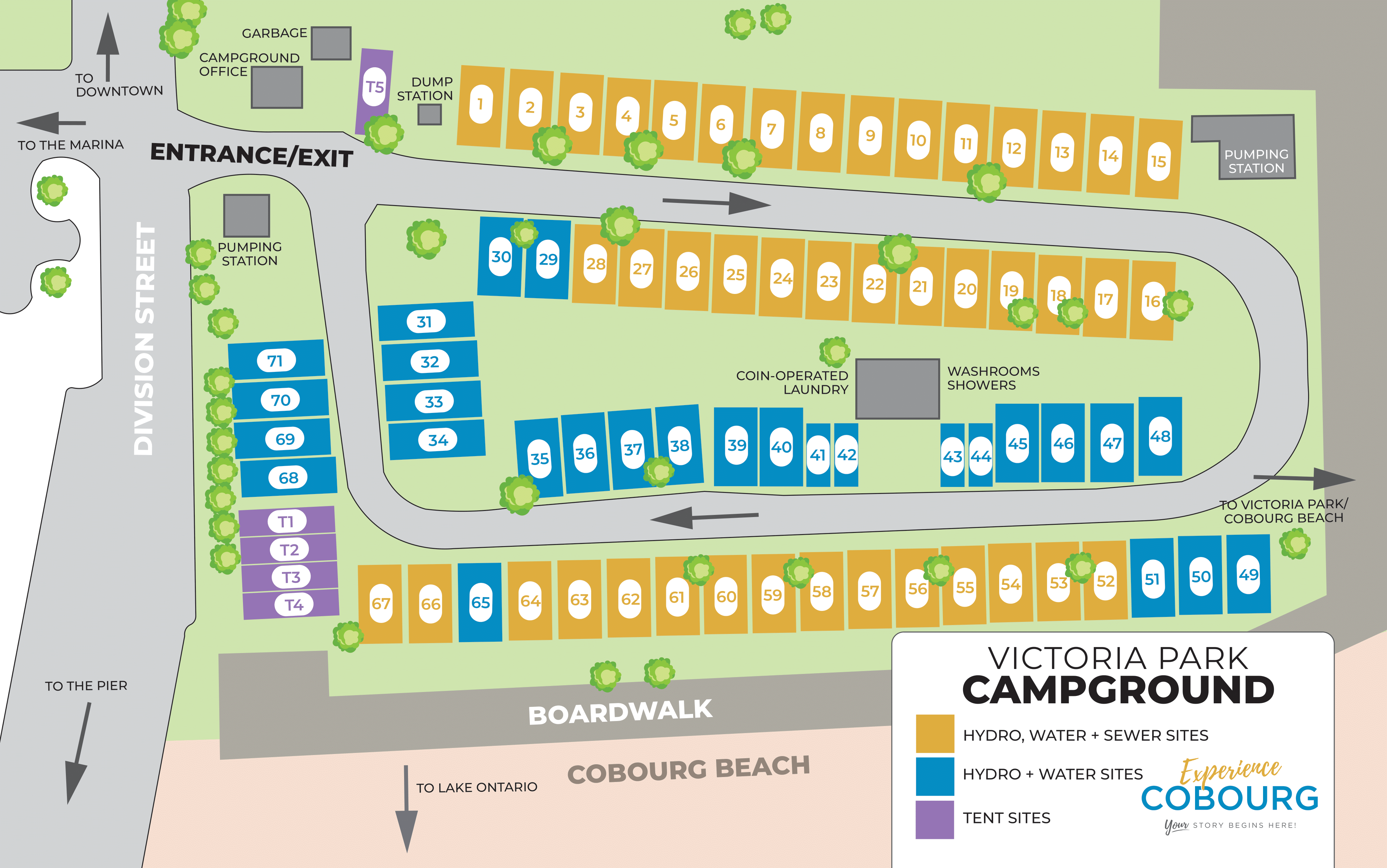
- At the bottom of this page, click on the button that corresponds to the campsite type you wish to book.
- An Active Network webpage will open showing you the available campsites for the type you selected.
- Select the campsite you wish to book.
- Fill in the number of attendees for your reservation and select the dates you wish to reserve, then select "proceed".
- On the Reservation Form page, fill in the prompted fields and select "add to cart".
- Review information on the Shopping Cart page and select "check out".
- Follow the prompts on the Checkout page. When finished, select "pay".
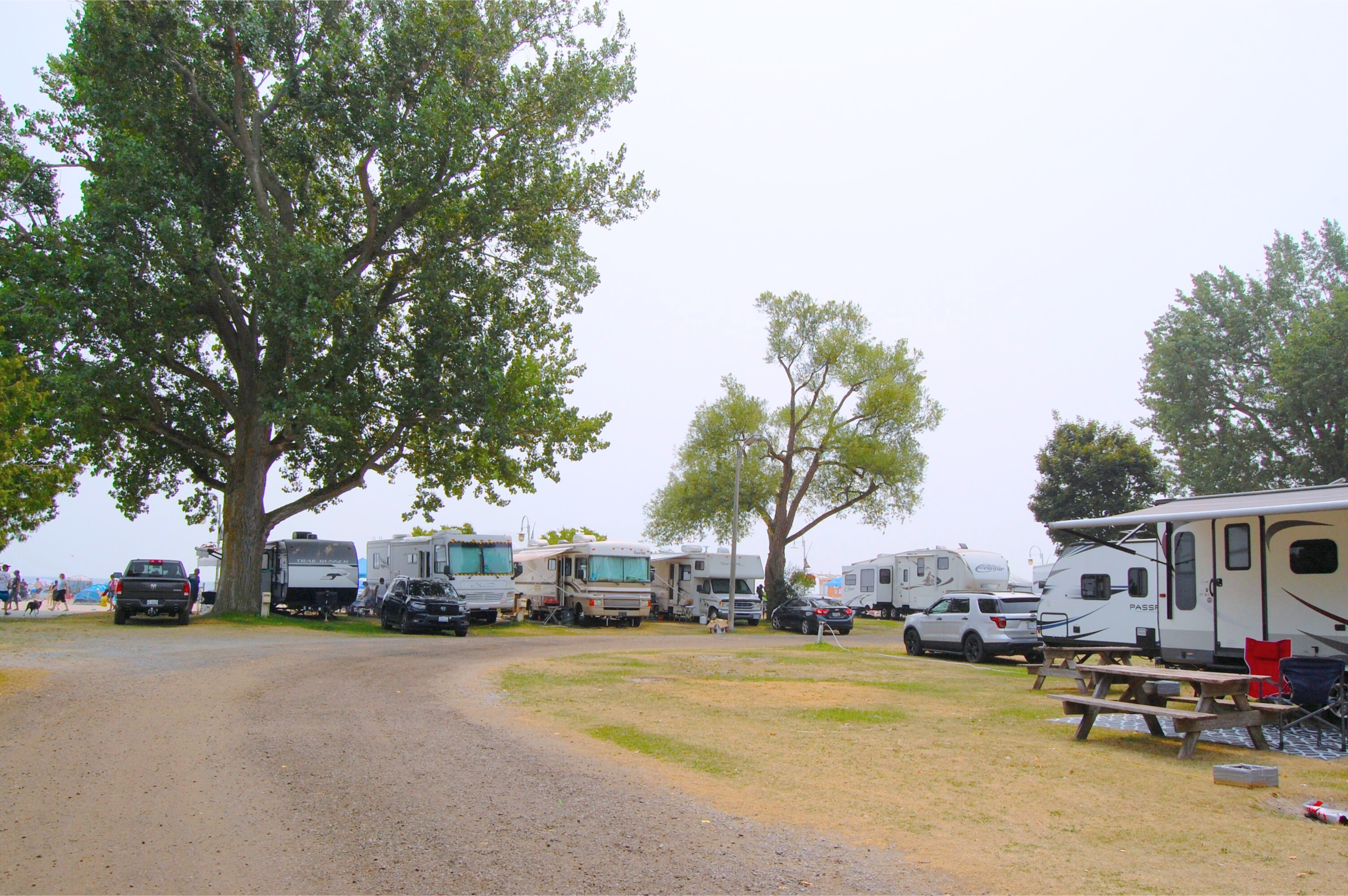
Victoria Park Campground
Have Further Questions?
-
- Phone: 1-800-224-7504
- In person: The Campground Office is currently located at the Cobourg Marina, 103 Third Street, Cobourg, Ontario.
Active Network Questions and Answers
How do I know if I reserved successfully?
- When you see a message stating that your reservation was completed successfully.
- When you receive a confirmation email from Active Network.
Which web browser should I use for Active Network?
Active Network works best with the following web browsers:
- Google Chrome
- Internet Explorer: version 10 or 11
- Apple Safari
What types of payment does Active Network accept?
- VISA
- MasterCard
- American Express
- Google Pay
- Apple Pay
How do I change or update my account information?
Login to your account and click on your profile. From there, you can update:
- Personal information.
- Add/edit family member/friends on your account.
- Change your password.
What do I do if my account is locked?
Resetting your password will unlock your account.
- On the Active Network sign in page select "forgot your password".
- Type in your email address and select "request reset password".
- Find the Active Network password reset email in your inbox and follow the steps as prompted.
What should I do when Active Network is timing out or logging me off?
When this happens, Active Network may be experiencing a sudden increase of active users or may be having trouble with your web browser. To correct this, you can:
- Reload the page and try repeating the task.
- Clear your internet web browser cache and cookies.
- Try using a different web browser.
2026 Campsite Reservations Open February 2 at 9 a.m.
Click the buttons below to reserve your campsite on Active Network.
Hydro, Water + Sewer Trailer Sites
Hydro + Water Trailer Sites
Tent Sites
Subscribe to our newsletter
Be the first to know. Join the Town of Cobourg’s monthly tourism newsletter highlighting, shows, festivals, and more!