
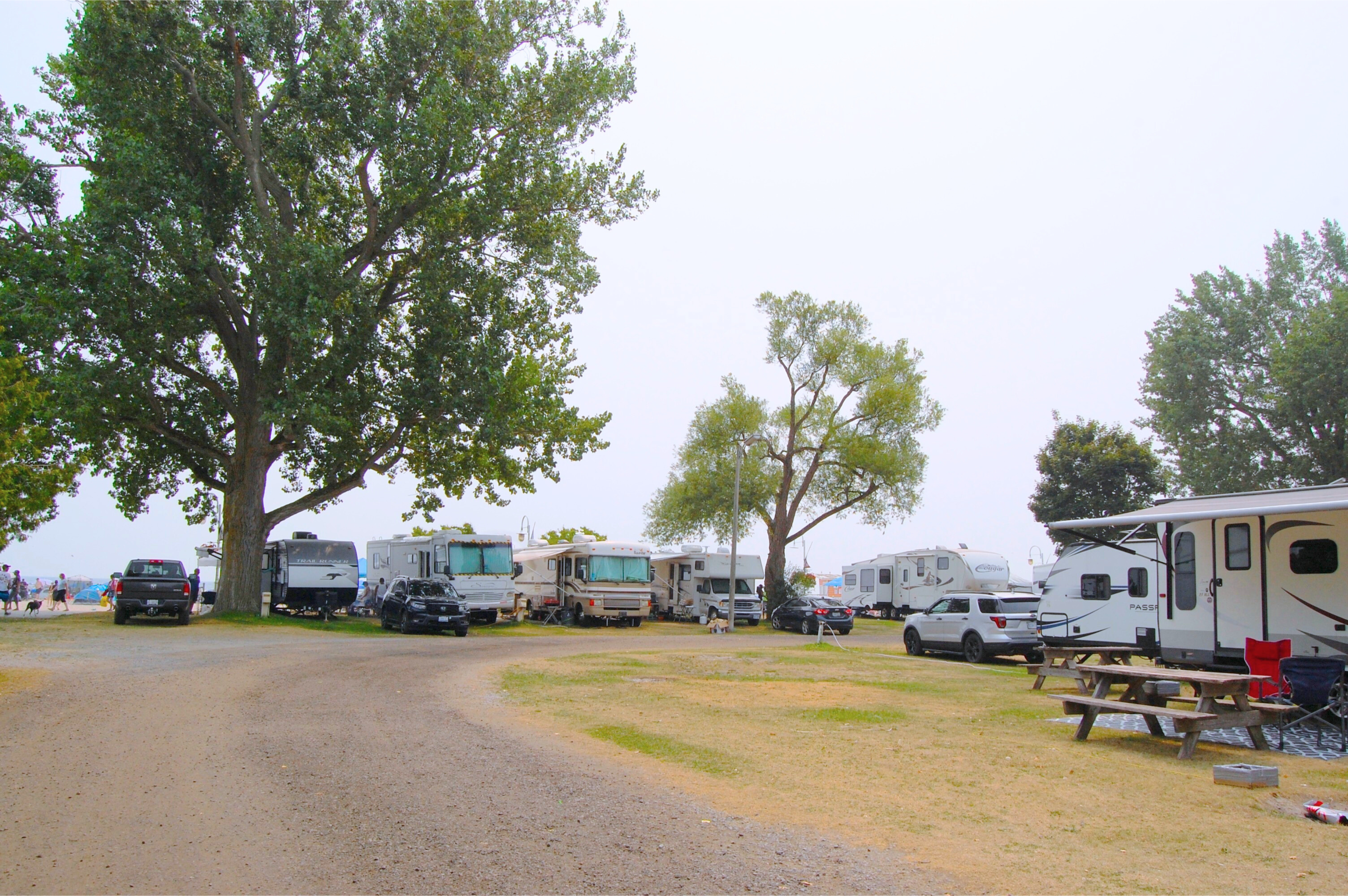
Victoria Park Campground

How To Create Your Customer Profile

The Victoria Park Campground registration system is now hosted on Active Network. All online bookings will be done through your Active Network account. Please see below on how to create an Active Network account. 

Account Creation:

    1.       Click “Create Account” located in the top right corner of the Active Network webpage.
    2.       You will be prompted to fill in your email address. Once filled out, click “next”.
    3.       On the “Sign up” page, fill in your information as prompted.
    4.       You will be asked to create a password for your account, once created click “next”.
    5.       Continue to fill in the prompted fields, then click “Create account”.
    6.       An email will be sent to your inbox to activate your account. Click on the link in the email and login to your account.

Have Further Questions? 

    • Phone: 1-800-224-7504
    • In person: The Campground Office is currently located at the Cobourg Marina, 103 Third Street, Cobourg, Ontario.

Active Network Questions and Answers

  • At the bottom of this page, click on the button that corresponds to the campsite type you wish to book.
  • An Active Network webpage will open showing you the available campsites for the type you selected.
  • Select the campsite you wish to book.
  • Fill in the number of attendees for your reservation and select the dates you wish to reserve, then select "proceed".
  • On the Reservation Form page, fill in the prompted fields and select "add to cart".
  • Review information on the Shopping Cart page and select "check out".
  • Follow the prompts on the Checkout page. When finished, select "pay".

Additional Information:

  • When asked for the "event name" use the first initial of your first name + your last name.
  • Your reservation will appear as a request. You will receive a confirmation email within 24 hours that your reservation was successfully booked.
  • If you do not receive an email within 24 hours, please call us at 1-800-224-7504.

If you search for your reservation date before selecting a campsite, we recommend changing the default start time to 11:00 a.m. If you don’t, your reservation may appear as “partially reserved.” This happens because the checkout time is 11:00 a.m., and a group will still be departing the campsite that morning.

Active Network works best with the following web browsers:

  • Google Chrome
  • Internet Explorer: version 10 or 11
  • Apple Safari

  • VISA
  • MasterCard
  • American Express
  • Google Pay
  • Apple Pay

Login to your account and click on your profile. From there, you can update:

  • Personal information.
  • Add/edit family member/friends on your account.
  • Change your password.

Resetting your password will unlock your account.

  • On the Active Network sign in page select "forgot your password".
  • Type in your email address and select "request reset password".
  • Find the Active Network password reset email in your inbox and follow the steps as prompted.

When this happens, Active Network may be experiencing a sudden increase of active users or may be having trouble with your web browser. To correct this, you can:

  • Reload the page and try repeating the task.
  • Clear your internet web browser cache and cookies.
  • Try using a different web browser.

The charge on your card statement after payment will be from either the Cobourg Community Centre or Active Network.

2026 Campsite Reservations Open February 2 at 9 a.m.


Click the buttons above to reserve your campsite on Active Network.

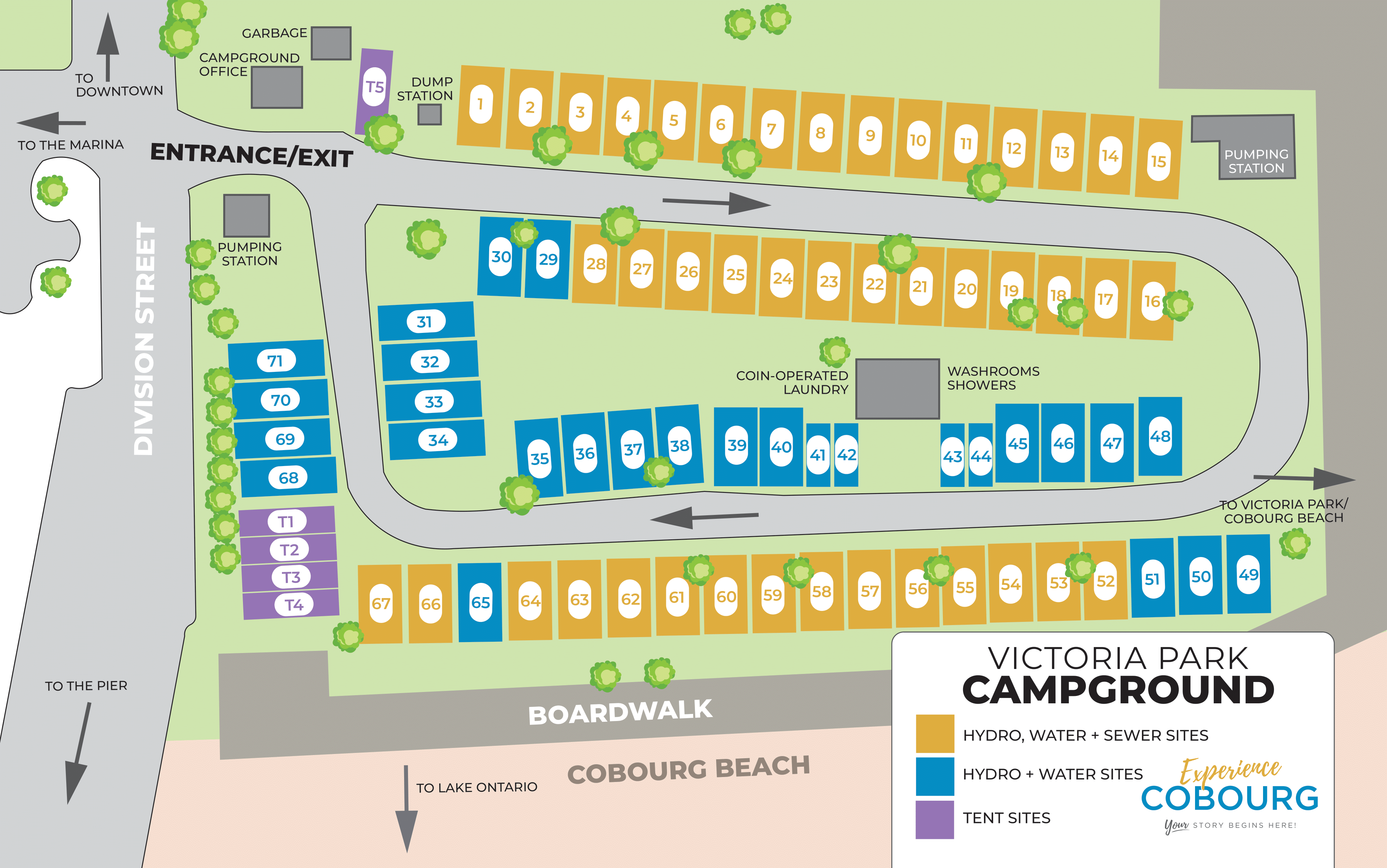
Victoria Park Campground Site Layout

Hydro, Water + Sewer Trailer Sites

Hydro + Water Trailer Sites

Tent Sites

Subscribe to our newsletter

Be the first to know. Join the Town of Cobourg’s monthly tourism newsletter highlighting, shows, festivals, and more!